SkyPrep’s take A credible option for organized training; test delegated administration before buying, because permission granularity and everyday settings changes can affect ongoing staff workload.
About this review sample
Selected June and September 2026 reviews. Older reporting complaints were excluded after a documented reporting update. Checked .
A look inside
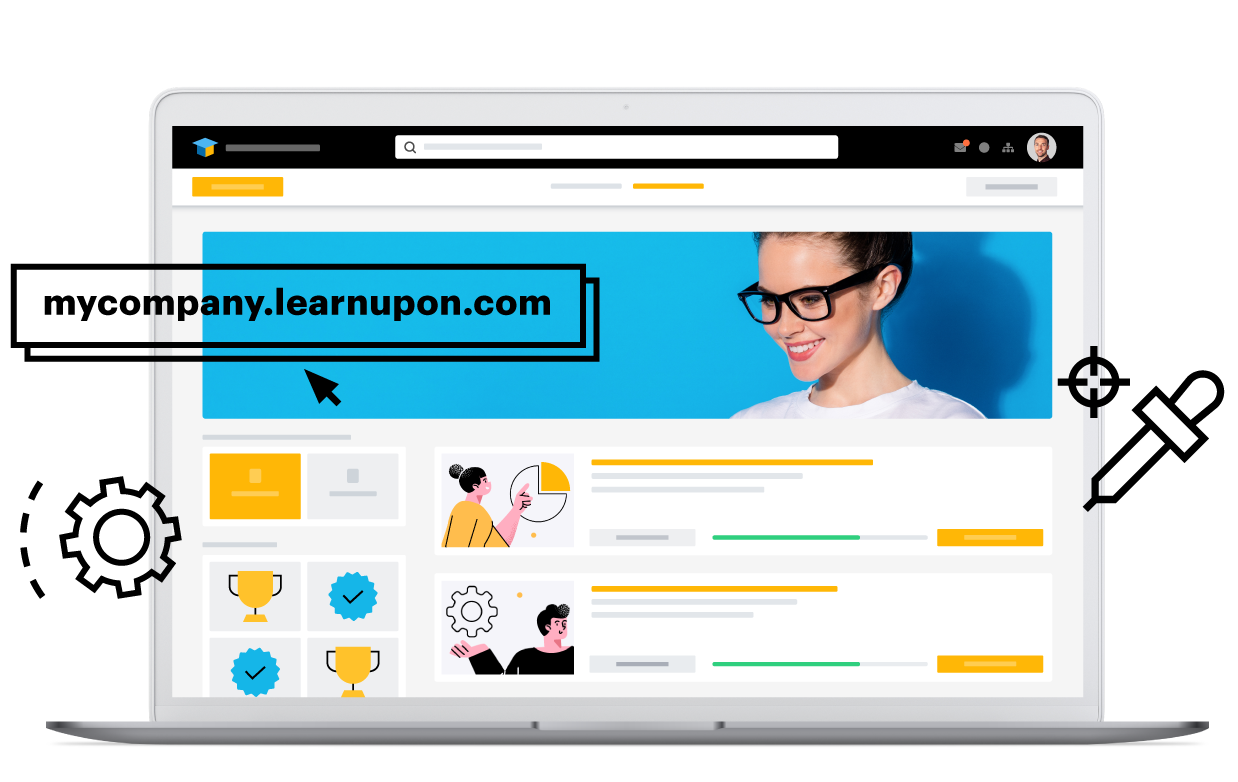
Inside the platform.
Vendor-provided visuals, with their original sources.
Capabilities described in vendor materials. Check availability in the proposed plan.
LearnUpon
What matters
LearnUpon
Training audiences
Employees, customers and associations through learning portals.
Course creation
Create+ provides AI-assisted authoring.
Learning automation
Dynamic learning journeys and platform automation.
Reporting & insights
Learning analytics and reporting across training programs.
Integrations
API and business integrations; embedded customer learning through LearnUpon Anywhere.
Learning experience
Separate learning environments and personalized learning journeys.
Scope before price
Pricing approach
Request a quote matched to your learning audiences and requirements.
A question for your demo
How do we share a course across portals while keeping branding, permissions and reporting separate?
Questions for your shortlist
Let’s get specific.
Practical answers about these platforms and the training you need to run.
What drawbacks do reviewers mention about LearnUpon?
A June 2026 Capterra reviewer said the available permissions did not provide the restricted admin access their staff structure required. Another June 2026 Capterra reviewer described backtracking between settings screens to make a single change. These are sampled experiences; test whether they apply to your current plan and workflow.
Can LearnUpon give each customer its own training administrator?
LearnUpon organizes audiences through learning portals, but a June 2026 reviewer said available permissions did not match their restricted-admin needs. Ask a customer administrator to assign a shared course and view only their learners. Confirm the exact access boundaries and portal allowance in the proposal.
Should a software company consider LearnUpon for customer education inside its product?
LearnUpon Anywhere is positioned for embedded customer learning. It is worth evaluating when sending customers to a separate training portal creates friction. Demonstrate authentication, course access and completion tracking inside your actual product, and confirm that the embedded experience is included in the package.
What should a small LearnUpon administration team try during a demo?
Reviews praise intuitive course creation and support, while one administrator described backtracking between settings screens for a single change. Have the person who will run training create a course, adjust access and update a learning journey. Count the ongoing administration steps as well as the initial setup.
What happens when a learner joins LearnUpon live training as a Teams guest?
LearnUpon documents automatic attendance for Teams and Zoom, but Teams guests are not automatically marked attended. Demonstrate account matching and manual corrections with a visiting learner. This matters when customers or temporary staff join sessions using accounts outside your organization.
Published by SkyPrep, an LMS provider. Product facts come from official documentation. Review observations summarize selected individual G2 and Capterra reviews available in public search results, including some vendor-invited or incentivized reviews. This is a qualitative sample, not a representative survey, independent rating or hands-on test. Older complaints may not describe the current product.
Our recommendations and evaluation questions are editorial guidance. Review feedback describes individual experiences, not proof that a capability is absent. Confirm plan availability and requirements with each vendor. Citations appear beside the relevant observations and FAQ answers.